BLUF: If WordPress asks you to update multiple times in a few days, it usually does not mean your site is broken. It usually means the WordPress team is moving quickly to push security fixes, follow-up patches, or bug corrections. Annoying? Yes. Unusual? Not really.
I noticed this on my own site this week. One day I updated WordPress, then almost immediately it wanted another update, and then another one right after that. If you are managing your own website, that kind of rapid-fire update cycle can make you wonder whether something is wrong with your hosting, your theme, or your install.
Usually, the answer is simpler than that: WordPress is doing what it is supposed to do. When security issues are discovered or a patch needs a quick correction, the team will release another version fast rather than wait around and leave millions of sites exposed.
What Happened?
This week was a good example of how quickly the WordPress release cycle can move when security is involved. Instead of one routine update, site owners saw multiple back-to-back releases in a very short time.
- A security release was pushed.
- A fast follow came out to address an issue discovered right after.
- Then another update arrived to make sure all intended fixes were fully applied.
From the user side, this feels messy. From the software maintenance side, it is actually a sign that the project is being actively maintained and corrected in real time.
Why WordPress Sometimes Updates Multiple Times in a Week
WordPress powers a huge portion of the web. Because of that, even a small security issue matters. When the core team identifies a vulnerability, they do not sit on it. They patch it. If the patch introduces an edge-case issue, they patch that too. If they later discover the original fix did not fully cover everything, they release again.
That can create the appearance that WordPress is unstable, but that is not always a fair conclusion. In many cases, what you are actually seeing is an open-source platform reacting quickly and responsibly.
In other words, a string of updates does not automatically mean your website is in trouble. It often means the developers are working the problem aggressively instead of letting it sit.
What Site Owners Should Do
If you see WordPress update more than once in a few days, keep it simple:
- Update WordPress core to the latest stable version.
- Clear your cache after the update. That includes plugin cache, server cache, and CDN cache if you use one.
- Check the front end of your site in a private browser window.
- Review plugins and theme updates separately so you do not confuse a plugin issue with a core update issue.
- Run a quick test on key pages like your homepage, contact form, shop page, and blog.
That is it. No panic. No random over-tweaking. Just update, clear cache, verify, and move on.
When You Should Actually Worry
Most rapid WordPress updates are routine, but there are a few cases where you should pay closer attention:
- Your site loads blank or partially broken after the update
- Your theme layout suddenly changes
- A key plugin stops working
- You see PHP errors, admin warnings, or failed update messages
- Your cache shows old and new versions of the site inconsistently
If that happens, the issue may not be WordPress core itself. It could be a cache layer, a theme conflict, a plugin compatibility problem, or your host serving stale files after the upgrade.
The Real Takeaway
WordPress updates are basic website maintenance. When they happen back-to-back, it usually means the team is tightening up security or correcting a follow-up bug. That is frustrating for site owners, but it is also part of keeping a modern website secure.
The better mindset is this: a quick series of updates is not automatically a red flag. It is often the cost of running software that is actively maintained and widely used.
If your site is updated, cached properly, and working normally, you are probably fine.
WordPress updates are like oil changes for your website. When they happen quickly back-to-back, it usually means the engineers are fixing things fast — not that your site is falling apart.
Final Word
If you manage your own WordPress site, rapid updates can feel irritating, especially when you already have enough to deal with. But in most cases, the smartest move is still the same: stay current, clear cache, test the site, and keep going.
That is a lot better than ignoring a security release and finding out later that the update you skipped was the one that mattered.
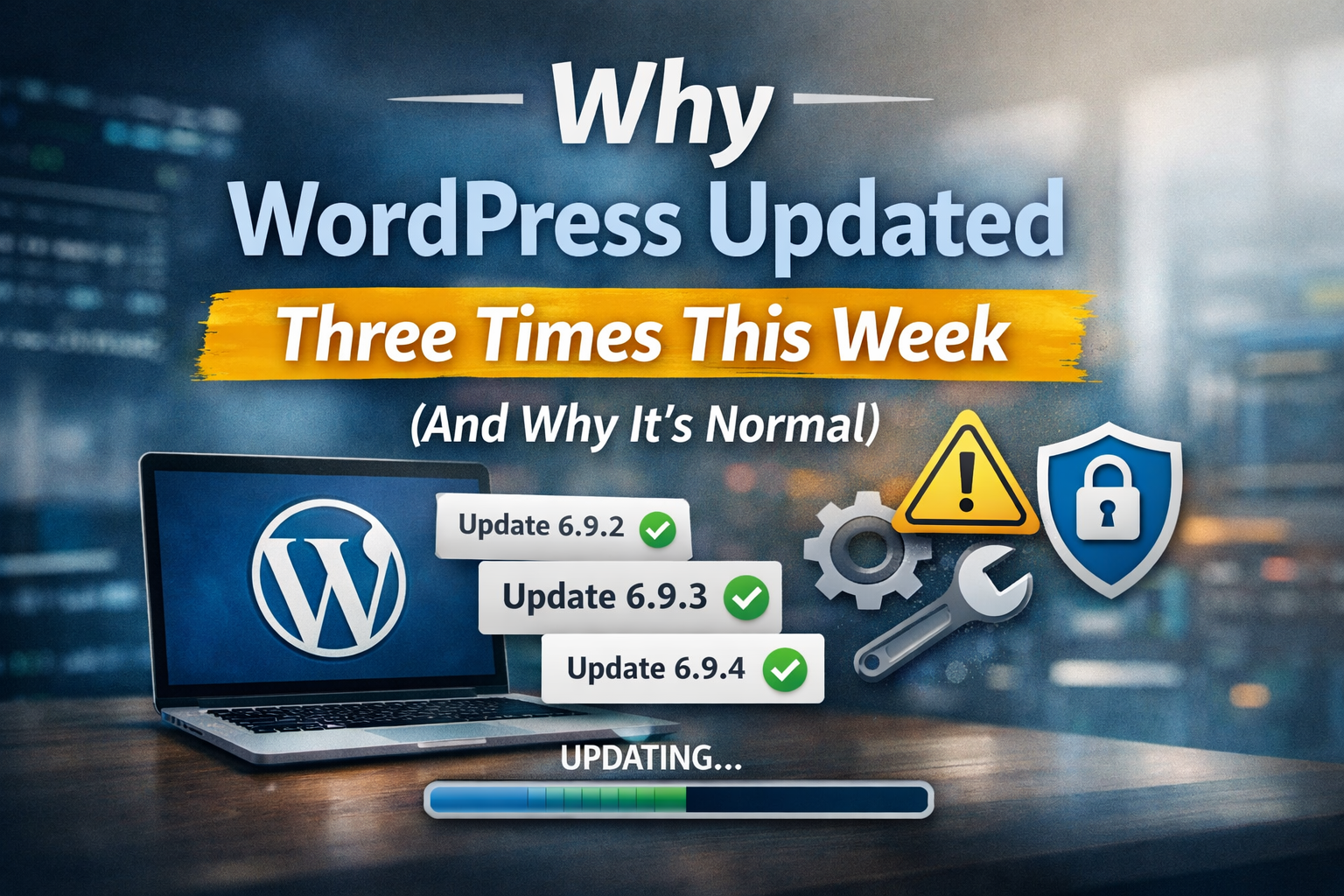
WordPress.org’s release archive and release notes show the fast sequence clearly: 6.9.2 and 6.9.3 on March 10, 2026, then 6.9.4 on March 11, 2026, with 6.9.4 issued because not all security fixes had been fully applied in the earlier releases.