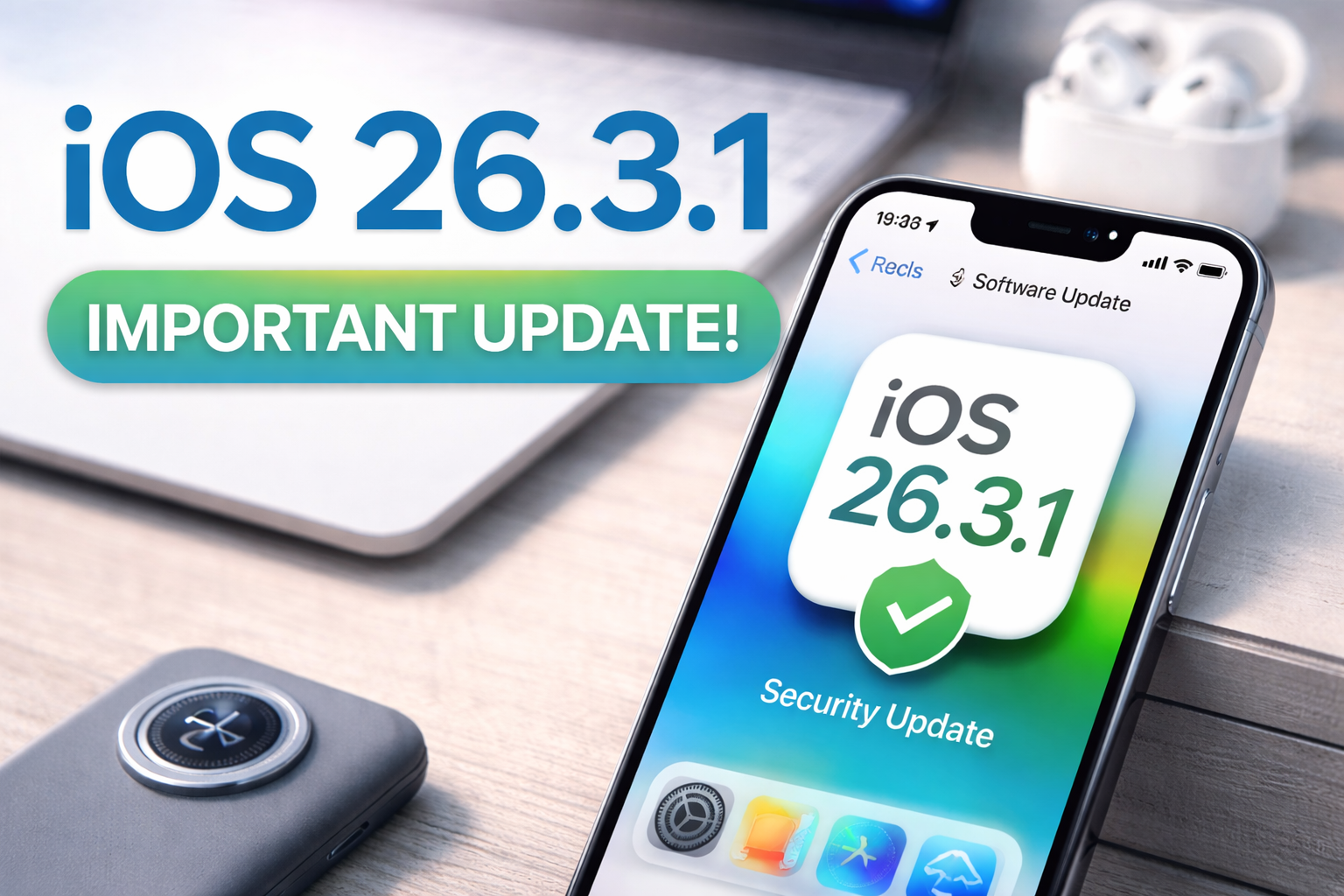
iOS 26.3.1 Update Explained: Security Fixes and What It Actually Does
Released: March 4, 2026
Author: Mike the IT Guy STX
Category: Computers
Tag: Apple Software Updates
BLUF (Bottom Line Up Front):
iOS 26.3.1 is a small but important security update that fixes system vulnerabilities and improves iPhone stability. There are no new user-facing features, but installing the update helps protect your device from potential exploits and software bugs.
What Apple Officially Says
Apple describes iOS 26.3.1 as an update that provides important security fixes and stability improvements. Updates like this typically focus on closing software vulnerabilities discovered after the previous release.
These releases usually arrive shortly after a larger update (in this case iOS 26.3) and are meant to address security issues that could potentially be exploited.
Technical Breakdown: What iOS 26.3.1 Fixes
Security Vulnerabilities
Technical: Security updates often address issues in core system components such as the iOS Kernel, WebKit (Safari’s browser engine), or system frameworks. These vulnerabilities could allow malicious apps or websites to execute code, escalate privileges, or access data they should not have access to.
Plain English: Think of these fixes as patching holes in the operating system that hackers could potentially exploit.
Kernel Stability Improvements
Technical: The iOS kernel controls hardware access, memory management, and process scheduling. Updates sometimes include improved validation checks or memory handling corrections that prevent crashes or privilege escalation.
Plain English: The “core engine” of iOS is being tightened up so apps and processes behave correctly and cannot abuse system privileges.
Application Sandbox Reinforcement
Technical: Apple’s sandbox model isolates apps from each other. Security patches often strengthen these boundaries by correcting permission checks or limiting unintended data access between applications.
Plain English: Apps are supposed to stay in their own lane. This update strengthens those barriers.
Bug Fixes and Stability Improvements
Beyond security patches, minor releases often address system bugs reported after the previous update.
- Fixes for rare app crashes
- Improved system responsiveness
- Better memory handling
- Minor battery efficiency improvements
Plain English: Your iPhone should feel a little smoother and less glitchy.
Why Security Updates Matter
Many people skip small updates because they appear minor. However, security releases are often the most important updates to install.
- They close vulnerabilities discovered after earlier releases
- They protect against malicious apps or websites
- They help prevent data theft or system compromise
If you use your iPhone for email, banking, password managers, or business communication, keeping the operating system patched is critical.
How to Install iOS 26.3.1
- Open Settings
- Tap General
- Tap Software Update
- Select Download and Install
- Use Wi-Fi if possible
- Keep the phone plugged in or above 50% battery
- The phone will reboot during installation
Bottom Line
iOS 26.3.1 does not introduce new features, but it strengthens the security and reliability of your iPhone.
Updates like this are routine in modern operating systems and should generally be installed soon after release to keep devices protected.