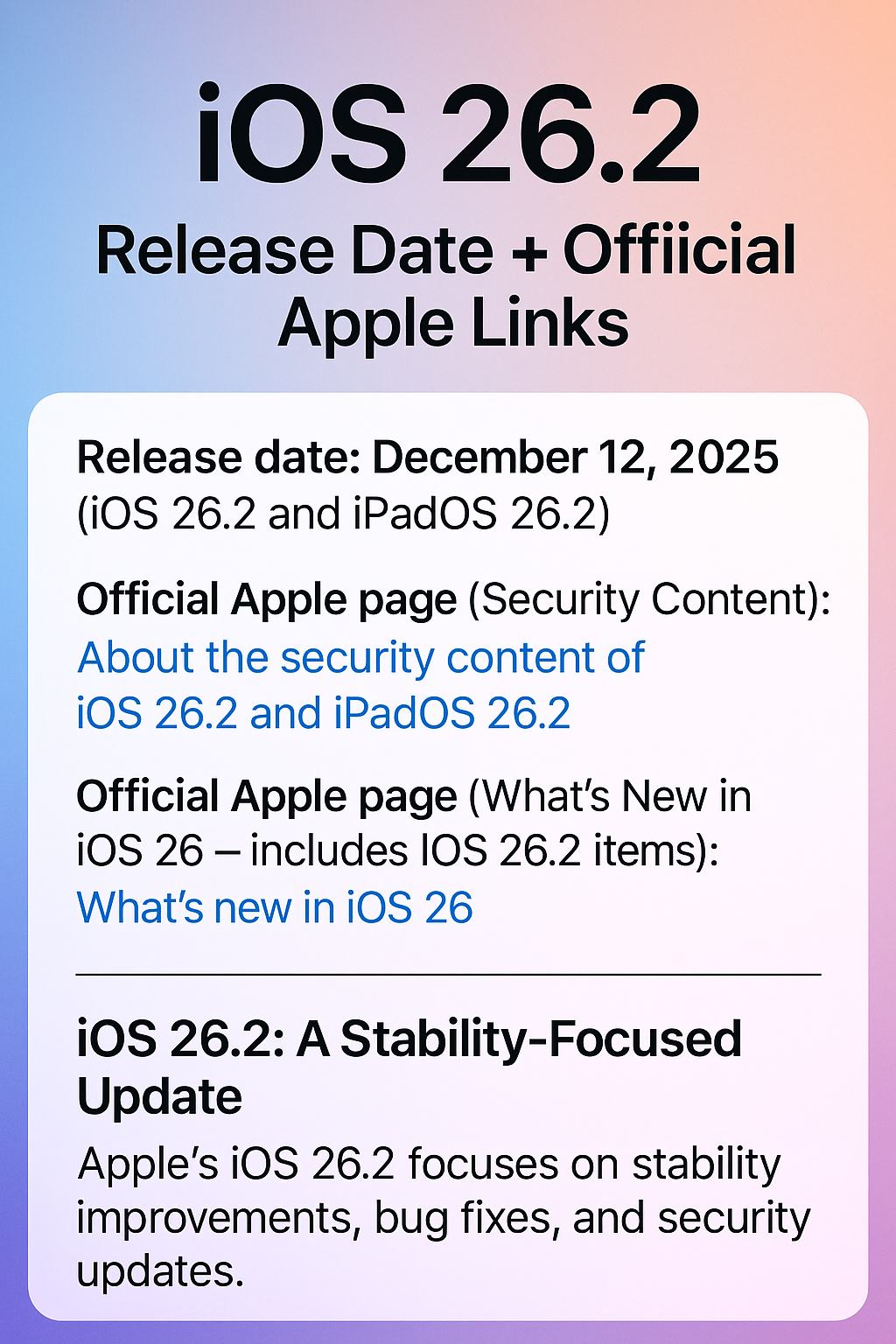
Short version: After updating to iOS 26 on my iPhone 14 Pro Max, my Mint Mobile data appeared to vanish overnight. Even worse, Low Data Mode would not stay enabled — it kept switching itself back to Standard.
If you’re seeing the same thing, you’re not alone.
What Happened
I recently updated to iOS 26. Right after the update:
- My monthly Mint Mobile data looked like it was completely used up
- Low Data Mode would not stay turned on
- The setting kept flipping back to “Standard” on its own
This was on an iPhone 14 Pro Max using Mint Mobile.
Why This Matters
If you prepay your data (like I do), this kind of glitch is frustrating. I prepay for 15GB per month, and suddenly it looked like the entire month was gone.
Whether this is a reporting bug, a background data issue, or an iOS 26 quirk, the takeaway is simple:
Always re-check your cellular data settings after a major iOS update.
What to Check (Step by Step)
After updating iOS, do the following:
- Open Settings
- Tap Cellular
- Tap Cellular Data Options
- Find Low Data Mode and toggle it On
- Watch to see if it stays enabled or flips back
If it keeps switching back, you may be seeing the same bug I ran into.
Why I Still Use Mint Mobile
Even with this glitch, I still use Mint Mobile because it saves me money. I prepay my plan, avoid contracts, and keep my monthly cost low.
If you’re looking to save money, here’s my referral link for 50% off:
Disclosure: This is a referral link. If you use it, I may receive a benefit at no additional cost to you.
Related Video
I posted the original YouTube Short here:
Final Thought
If you upgraded to iOS 26 and something feels “off” with your data usage, trust your instincts and check your settings. Updates don’t always behave perfectly on day one.
Have you seen this happen on your phone? Leave a comment and tell me what device and carrier you’re using.